
records
Every patient file in one place
Histories, prescriptions, lab results and clinical notes attached to a single record, searchable by name, phone or file number.


inside the working day
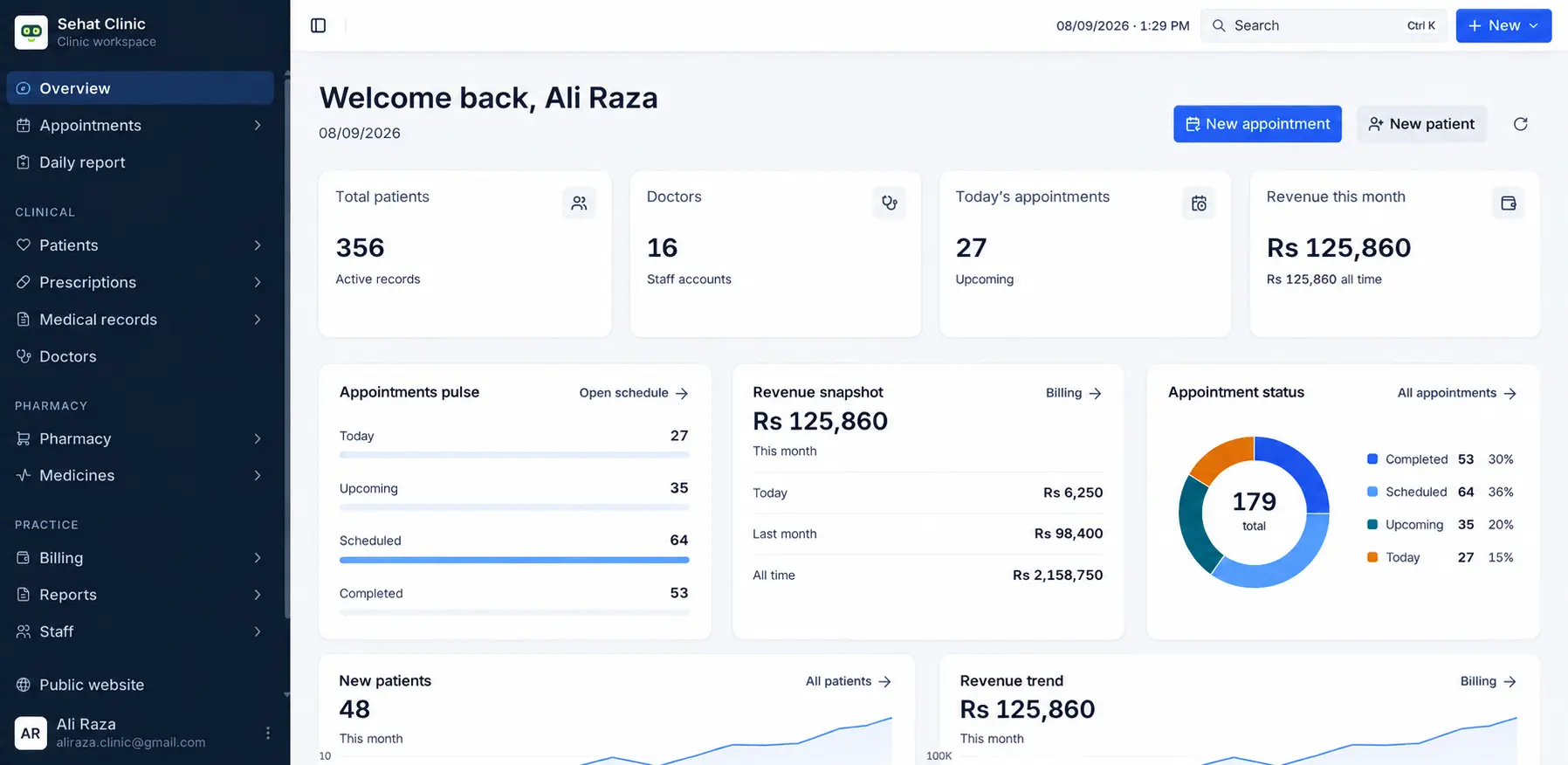
The clinic dashboard is what staff open first. Today’s visits, open invoices and pharmacy levels sit on one screen, so nobody is flipping between a register and a spreadsheet to answer a simple question.
Today’s board
Appointments by provider, with open slots visible before lunch.
Money that closed
Invoices and pharmacy sales posted while the shift is still running.
Stock on hand
Low and expiring lines before they become a counter problem.
a problem worth fixing properly
11.4 hours
A typical three-doctor practice spends this much a week copying the same details between a register, a spreadsheet and a receipt book.
1 in 7
Appointments that go unbilled or under-billed when charges are entered by hand after a busy shift.
what actually gets in the way
Patient history lives in a ledger, a spreadsheet and someone's memory.
No-shows go unrecorded, so nobody knows which hours are actually earning.
Invoices written by hand at the end of a shift, reconciled days later.
Pharmacy shortages surface at the counter, in front of the patient.
Monthly totals, but no view of which service line carries the practice.
Every staff member sees every record because roles were never set up.
what you get on day one
records
Histories, prescriptions, lab results and clinical notes attached to a single record, searchable by name, phone or file number.
scheduling
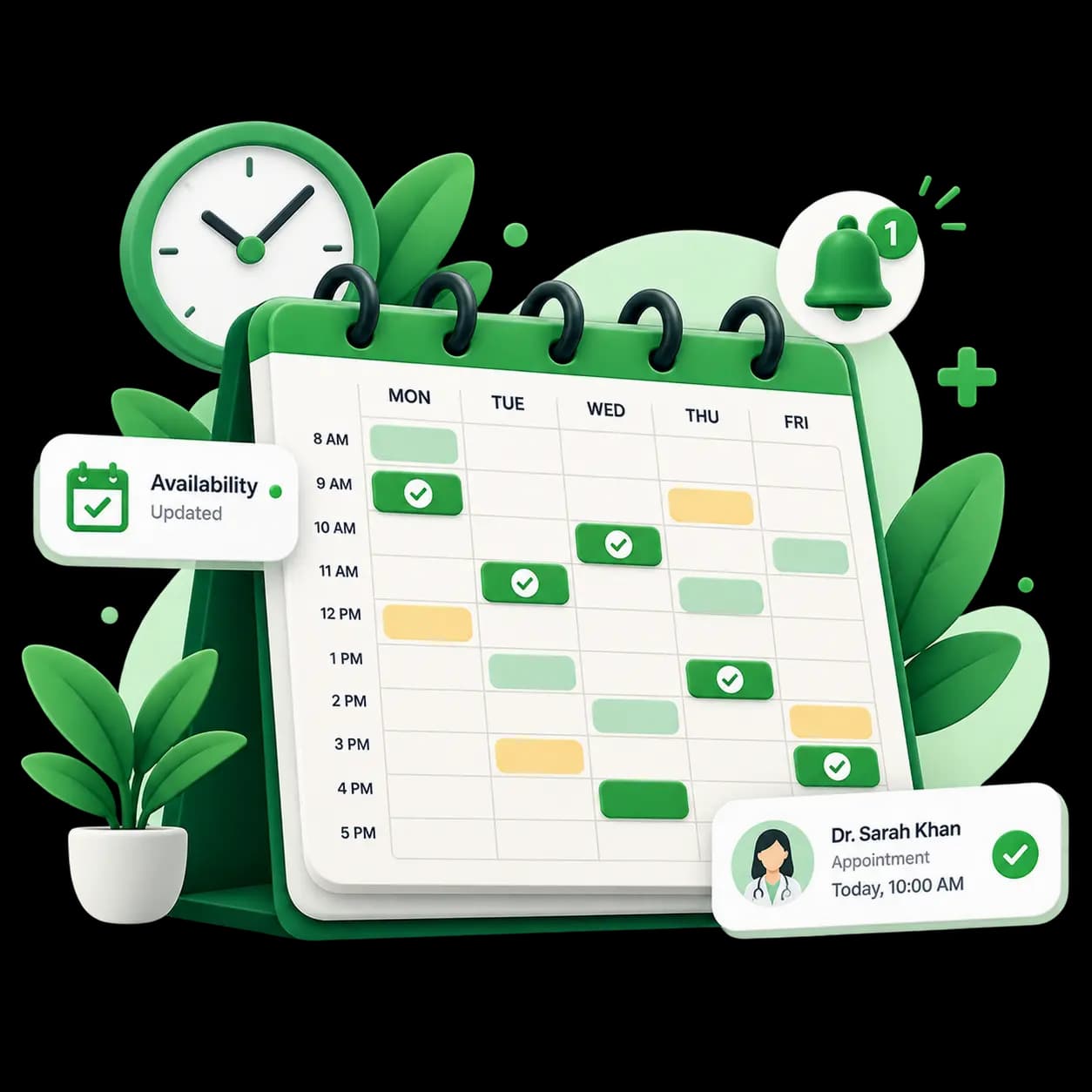
Provider availability, room allocation and automated reminders. Cancellations free the slot immediately instead of at the end of the day.
billing
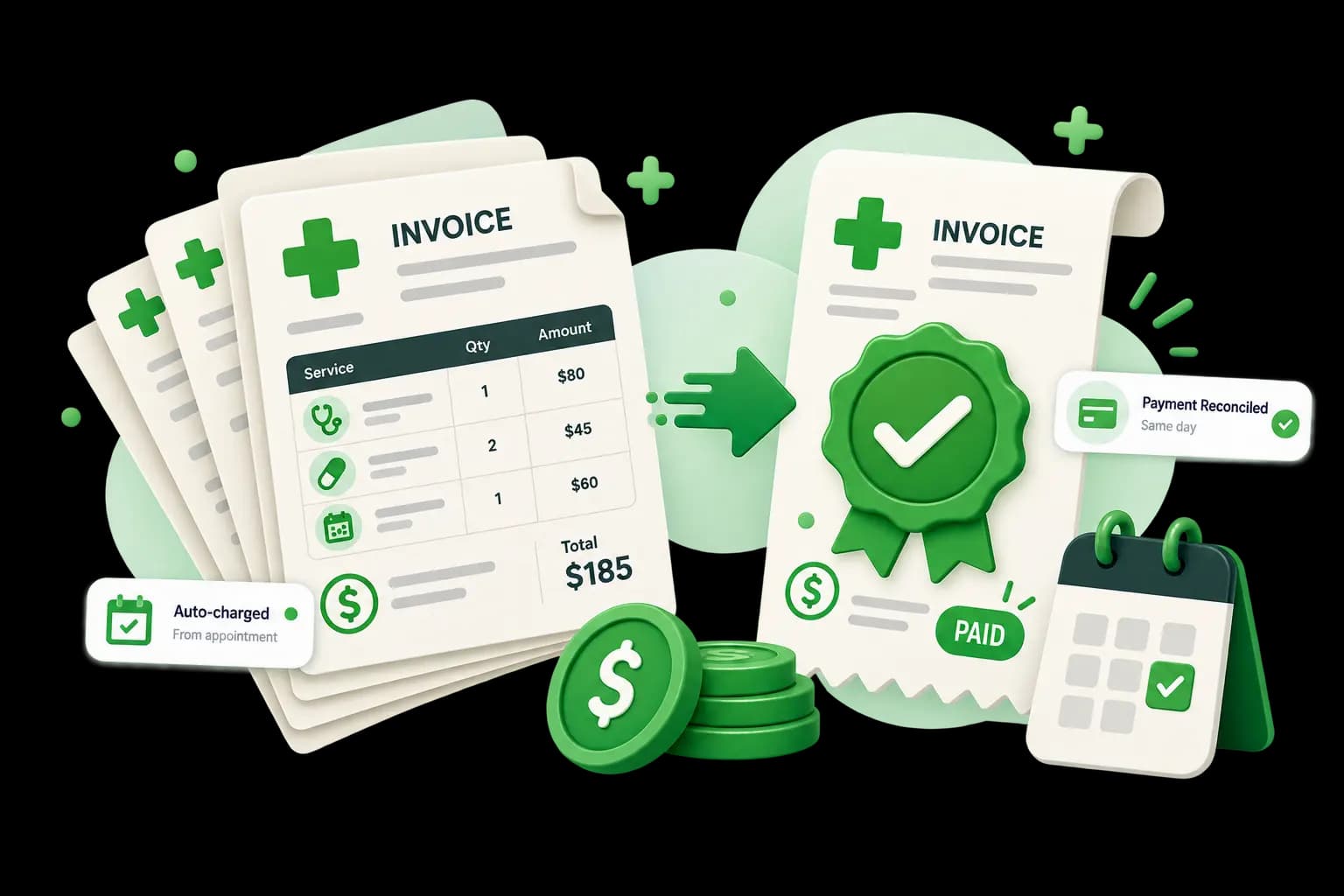
Charges post from appointments and pharmacy sales automatically, so the day's takings reconcile before staff go home.
how a switch actually goes
Nobody replaces a working clinic system overnight. This is the sequence we run, and the point at which you can stop.
Week 0
We map your departments, roles and current paper trail before anything is configured.
Week 1
Existing patient records and stock lists are imported and checked against your originals.
Week 1
Permissions are set per role, so reception, pharmacy and clinicians each see only their scope.
Week 2
One department runs live while the rest continue as normal. Corrections happen here, not later.
Week 3
Clinic-wide switch with support on call through your first full billing cycle.
what your patients see
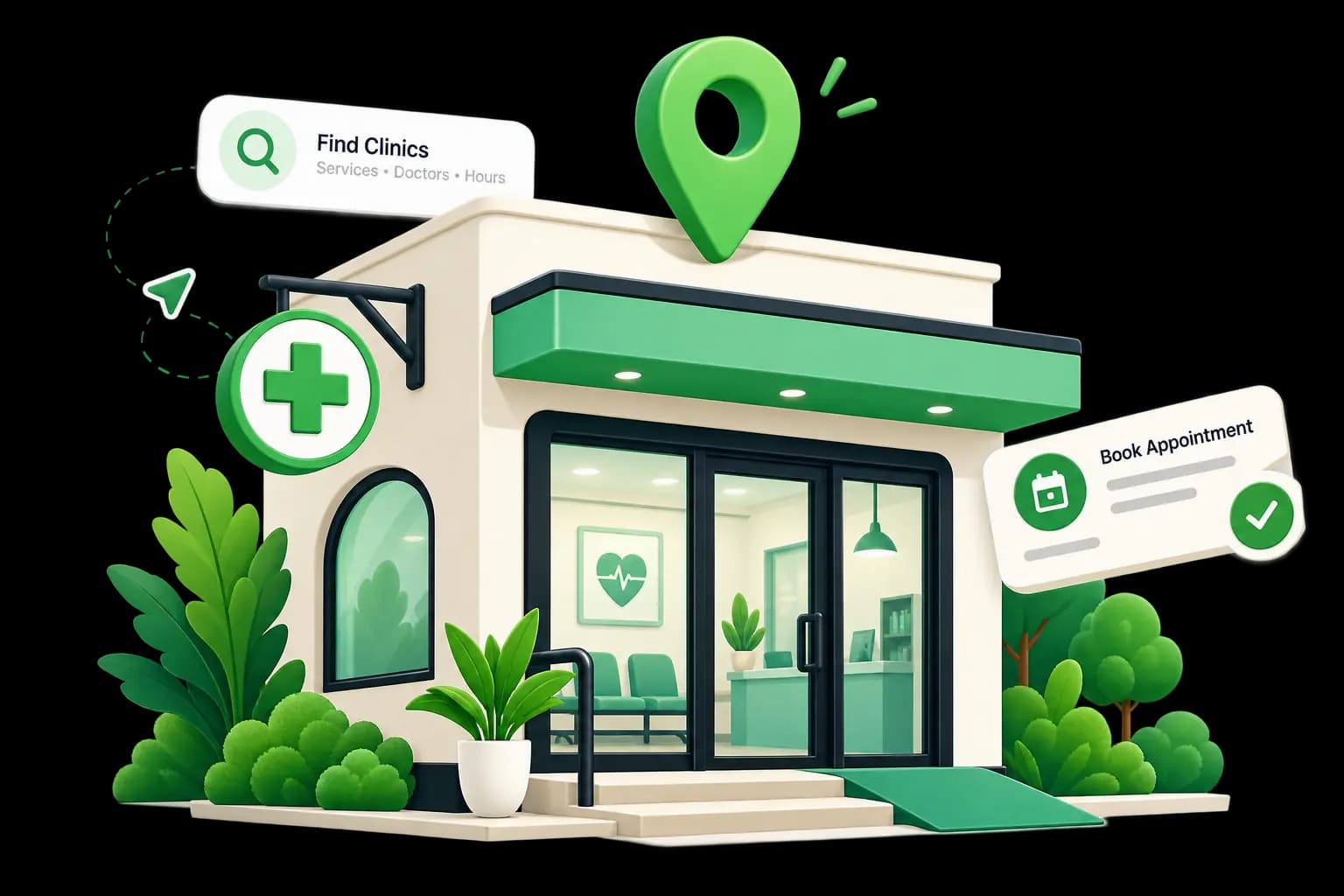
A search-indexed page with your services, doctors and hours. Patients request appointments from it directly into your calendar.
Claim your profile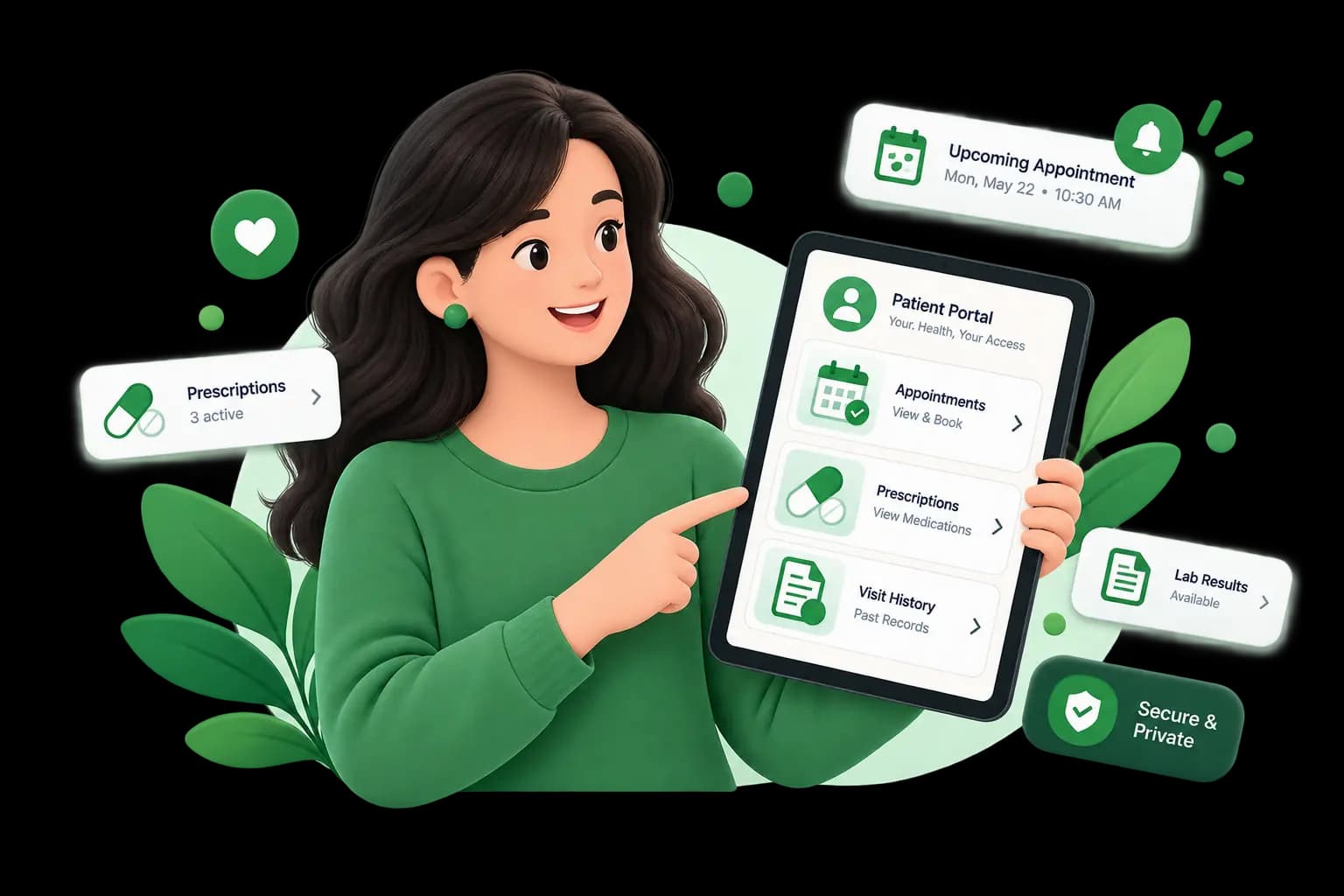
Patients sign in to see visit history, prescriptions and upcoming appointments, so reception stops reading records down the phone.
How the portal worksbefore you commit
A clinic cannot wait for a status page to update. These are the targets we set with you in writing at the start, not after something breaks.
asked by clinic owners, mostly
Something not covered here? Ask the support team
start whenever you are ready
Run AtriaOS alongside whatever you use now for thirty days. If it does not hold up during your busiest hours, walk away with your data exported.
No card required · Export your data at any time · Cancel from settings